
Why MCP Changes Everything for AI Builders (And Why Privacy Has to Come First)
Something fundamental shifted in AI tooling over the past year. We went from chatbots that answer questions to agents that take actions. Claude Code reads your files. Cursor executes shell commands. Copilot scans your entire codebase for context. The promise is real: AI that actually builds alongside you, not just suggests what you might build.
The risk is equally real. Every one of those capabilities is a potential exposure vector. And the traditional security advice - environment variables, careful handling, clean demo environments - was designed for a world where humans controlled the pace of information flow.
That world no longer exists.
What Is Model Context Protocol?
Model Context Protocol (MCP), introduced by Anthropic in late 2024, standardizes how AI models interact with external tools and data sources. Before MCP, every AI integration was a custom implementation. Claude needed one adapter to read files, another to access databases, another to execute commands. Developers built these integrations from scratch, often with inconsistent security models.
MCP changes this by providing a unified protocol. An AI agent using MCP can access any MCP-compatible tool through the same interface. File systems, APIs, databases, screen content - all accessible through standardized tool calls.
This is not incremental. It is infrastructural. MCP turns AI assistants into legitimate development partners with real, programmatic access to your environment.
The Capabilities MCP Unlocks
To understand why this matters for privacy, consider what MCP-enabled agents can now do:
- File System Access: Read, write, and modify files anywhere the agent has permissions. This includes configuration files, environment files, and source code.
- Shell Execution: Run arbitrary commands in your terminal.
cat .env,printenv,git log- anything you can type, the agent can execute. - Database Queries: Connect to databases and run queries. Your production credentials are one MCP tool call away from being displayed.
- Screen and Clipboard: Some MCP implementations can read screen content or clipboard data for context.
- API Integrations: Make authenticated requests to external services using credentials stored in your environment.
Each of these capabilities makes AI agents more useful. Each also creates a potential path for credential exposure.
The Agentic Workflow Problem
Here is the scenario that plays out daily across thousands of developer streams and screen shares:
You are streaming a Claude Code session on Twitch. The agent is working through your codebase, reading configuration files, executing commands to understand your project structure. Your audience is watching in real time - that is the point. You are building in public, demonstrating your workflow, maybe teaching others how to use AI-assisted development.
Then Claude runs cat .env to understand your configuration. Or it executes printenv | grep API to find relevant environment variables. Or it opens ~/.config/some-service/credentials.json to understand how an integration works.
You cannot pause an AI agent mid-execution to hide sensitive output. The agent operates at machine speed. By the time you see the secret on screen, it has already been:
- Captured by OBS or your streaming software
- Buffered in Twitch or YouTube's replay system
- Potentially screenshotted by viewers
- Recorded in any meeting software if you are on a call
- Visible in Discord or Zoom screen shares
The Numbers Behind the Risk
This is not a hypothetical concern. The data on credential exposure is clear:
GitGuardian's 2023 State of Secrets Sprawl report found 12.8 million secrets exposed on GitHub in a single year. That number has grown year over year as more developers work with more services requiring more API keys.
Academic research on token revocation found that 83% of exposed secrets remain valid more than 5 days after detection. Once a credential is exposed, attackers have a substantial window to exploit it.
Automated scanning tools can detect and attempt to use newly exposed API keys within seconds. The 2023 incident involving exposed AWS keys on a livestream resulted in unauthorized compute charges within minutes of the exposure.
And these statistics only cover text-based exposure - commits, pastes, uploads. They do not include the credentials that flash on screen during livestreams, demos, and screen shares. That exposure vector is essentially unmeasured, but anyone who has watched developer streams knows it happens constantly.
Why Traditional Security Approaches Fail
The standard security advice was designed for a different era. Here is why each common recommendation breaks down in agentic workflows:
"Use Environment Variables"
This is good advice for keeping secrets out of source code. But AI agents read environment variables. That is the point - they need context to be useful. When Claude Code runs printenv to understand your configuration, every secret in your environment becomes visible.
Environment variables protect against accidental commits. They do not protect against screen exposure.
"Set Up a Clean Demo Environment"
Agentic AI needs real context to be useful. A sanitized demo environment with fake API keys and placeholder configurations produces sanitized, useless output. The agent cannot demonstrate real functionality if it does not have access to real integrations.
This creates an impossible choice: useful demos that risk exposure, or safe demos that demonstrate nothing.
"Just Be Careful"
Human reaction time is 200-300 milliseconds for visual stimuli. Screen capture runs at 60 frames per second - one frame every 16.7 milliseconds. By the time your brain processes what just appeared on screen, dozens of frames have already been captured.
The math simply does not work. Human vigilance cannot match machine-speed execution.
"Use Secret Managers"
Secret managers like HashiCorp Vault, AWS Secrets Manager, or 1Password are excellent for secret storage and rotation. But they solve a different problem. They protect secrets at rest and in transit between services.
Screen exposure happens at the presentation layer - after the secret has been retrieved, when it is being displayed to a human (and their screen capture). Secret managers have no visibility into this layer.
Privacy as Infrastructure
This is the thesis behind StreamBlur: privacy tooling must operate at the same layer as the exposure risk. If AI agents access your environment in real time, your protection must work in real time. If exposure happens at the presentation layer, protection must happen before presentation.
How StreamBlur MCP Works
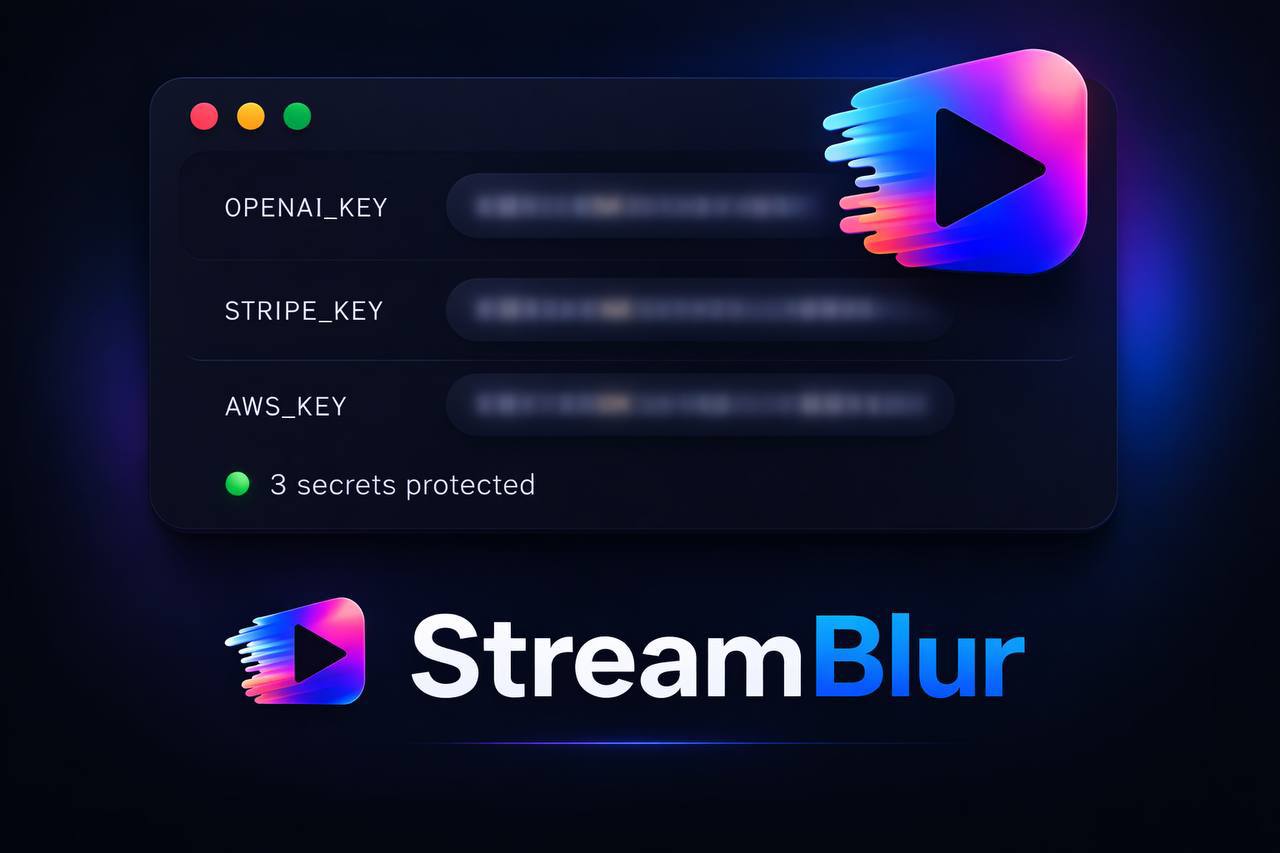
StreamBlur MCP runs as a Model Context Protocol server alongside your other MCP tools. It provides AI agents with capabilities to scan content for secrets and apply redaction patterns before that content ever reaches a visual output.
When integrated into your MCP setup, the agent can:
- Scan text for 77+ secret patterns (API keys, tokens, connection strings, private keys)
- Redact detected secrets before displaying output
- Check files for sensitive content before showing them
- Apply custom redaction rules for organization-specific patterns
The protection happens at the protocol layer, not the presentation layer. The agent can check whether content contains credentials before displaying it.
Browser Extension and Desktop Protection
For protection that works across all applications - not just MCP-enabled agents - the StreamBlur browser extension and desktop application provide real-time DOM scanning and redaction.
The extension monitors page content continuously, detecting API keys, tokens, and sensitive patterns as they appear. Redaction happens before OBS captures the frame, before Discord screen share transmits the content, before Zoom records the meeting.
Key technical details:
- Sub-frame detection: Scanning and redaction complete within a single frame refresh cycle
- DOM mutation observation: New content is detected and processed as it appears, not on a polling interval
- Local processing: All detection and redaction happens locally. No credentials are transmitted anywhere.
- Pattern coverage: 77+ regex patterns covering major platforms (AWS, GCP, Azure, Stripe, GitHub, OpenAI, Anthropic, and dozens more)
What the Next 12 Months Look Like
MCP adoption is accelerating. Anthropic is pushing it as the standard interface for Claude. Other model providers are watching closely and evaluating compatible implementations. Within a year, the question will not be whether to give AI agents access to your environment, but how much access and through which protocols.
Several trends will shape this landscape:
Increased Agent Autonomy
Current AI agents still require significant human oversight. The trajectory is toward more autonomous operation - agents that can complete multi-step tasks without confirmation at each step. This increases productivity but also increases the window during which secrets might be exposed without human review.
Broader Tool Access
MCP's standardized protocol makes it easier to grant agents access to new tools and data sources. The barrier to adding capabilities is dropping. Developers will connect more services, access more credentials, and create more potential exposure points.
Live Development as Content
Building in public continues to grow as a content category. More developers are streaming their work, recording tutorials, and sharing screen sessions. Each of these activities is a potential exposure event if privacy tooling is not in place.
Getting Started
If you are building with Claude Code, Cursor, or any MCP-enabled tooling, integrating StreamBlur takes minutes:
MCP Server Installation
npm install -g @anthropic-ai/mcp-streamblur

# Or with the StreamBlur CLI
npx @streamblur/mcp --setup
The --setup flag automatically detects your MCP configuration and adds StreamBlur to your tool list.
Browser Extension
For immediate protection across all browser tabs:
- Install from the Chrome Web Store
- The extension activates automatically on all pages
- API keys and secrets are redacted in real time as they appear
No configuration required for standard secret patterns. Custom patterns can be added for organization-specific credentials.
The Bottom Line
The agentic era requires a different security posture than traditional development. AI agents operate faster than human oversight. They access more of your environment than previous tools. They create exposure risks at layers that existing security tooling does not address.
The builders who thrive will be the ones who figured out the security layer early. Not as an afterthought bolted on after an incident, but as infrastructure integrated from the start.
The tools that protect you must be as fast, as integrated, and as automatic as the agents that create the risk. That is what StreamBlur is built to provide.
StreamBlur provides real-time credential redaction for developers, streamers, and teams. Available as a browser extension, MCP server, and desktop application.
Stop leaking secrets on your next stream
StreamBlur automatically detects and masks API keys, passwords, and sensitive credentials the moment they appear on screen. No configuration. Works on every tab, every site.
Used by streamers, developers, and SaaS teams. Free tier covers GitHub & terminal. Pro unlocks every site.