
The Best Developer Tools Do Nothing You Can See
Silent, background-running tooling is a design philosophy. Here is why it produces better security outcomes than tools that ask for your attention.
The tools that interrupt you are the tools you eventually stop using.
There is a category of developer tooling designed around the opposite principle: run in the background, do the job, stay out of the way. No notifications, no confirmations, no friction. Just a guarantee that something is handled while you focus on something else.
This design philosophy is more deliberate than it looks, and it produces meaningfully better security outcomes than the alternative.
Why Attention-Demanding Tools Fail at Security
Most security tooling is built around alerts. A credential scanner finds a potential issue and surfaces a warning. A privacy tool detects sensitive content and pauses to ask what to do. An auth system flags an anomaly and requests confirmation.
The problem is that security events do not wait for good timing. They happen during a demo when you are mid-sentence. During a Twitch stream when chat is firing. During a Zoom call where pausing to interact with a security prompt would be more disruptive than the leak itself.
Tools that require attention to function correctly insert a human decision point into a moment that is already cognitively loaded. The result is that developers learn to dismiss alerts quickly, route around friction, or simply disable the tooling during the sessions where it matters most.
The Architecture of Invisible Tooling
Building a tool that operates without interruption requires a specific set of architectural decisions. The tool cannot rely on synchronous user confirmation. It cannot block the main thread. It cannot produce side effects that alter application behavior.
For browser-level tooling, this typically means operating on the rendering layer rather than the data layer:
// Instead of intercepting data before it reaches the DOM (blocking):
fetch("/api/config").then(data => sanitize(data)).then(render);

// Observe the DOM after render and apply visual controls (non-blocking):
const observer = new MutationObserver((mutations) => {
  mutations.forEach(({ addedNodes }) => {
    addedNodes.forEach(node => {
      if (matchesSensitivePattern(node.textContent)) {
        applyBlur(node); // visual only, data unchanged
      }
    });
  });
});

observer.observe(document.body, { childList: true, subtree: true });
This approach has several properties that make it well-suited to silent operation. It does not modify source data. It does not require access to application logic. It can be applied consistently across any interface that renders in the browser, regardless of the underlying technology stack.
What Continuous Operation Actually Means
A tool that runs only when you remember to activate it provides intermittent protection. A tool that runs continuously provides consistent protection. These are not equivalent, even if the underlying capability is identical.
In live development workflows, the events that matter most are the ones you do not anticipate. A terminal scrolls past an environment variable mid-demo. A dashboard re-renders with an API key visible after an async data load. A config file opens in the wrong tab during a screen share.
The value of continuous background operation is that it handles these events without requiring you to have predicted them. The detection logic runs on every DOM mutation, not just the ones you flag in advance.
The Cognitive Cost of Not Worrying
There is a measurable cost to background cognitive load. Developers who are actively monitoring their screen for accidental credential exposure during a live session are partially occupied by that monitoring. It consumes working memory that would otherwise go toward the actual work.
Delegating that responsibility to tooling that runs without attention is not just a convenience. It is a focus preservation strategy. The mental model shifts from "I need to watch for this" to "this is handled."
That shift has compounding effects. Sessions feel less stressful. Demos run smoother. Developers are more willing to work in public or share screens because the overhead of managing exposure risk is no longer theirs to carry.
Design Principles Worth Borrowing
Whether you are building developer tools or evaluating them, the silent operation principle is worth applying as a criterion:
- Does the tool require action to remain effective, or does it work by default?
- Does it interrupt the workflow it is supposed to protect?
- Can it be trusted to handle edge cases without supervision?
- Does it produce side effects that require cleanup or monitoring?
Tools that answer the wrong way on these questions tend to drift toward disuse during exactly the moments when they are most needed.
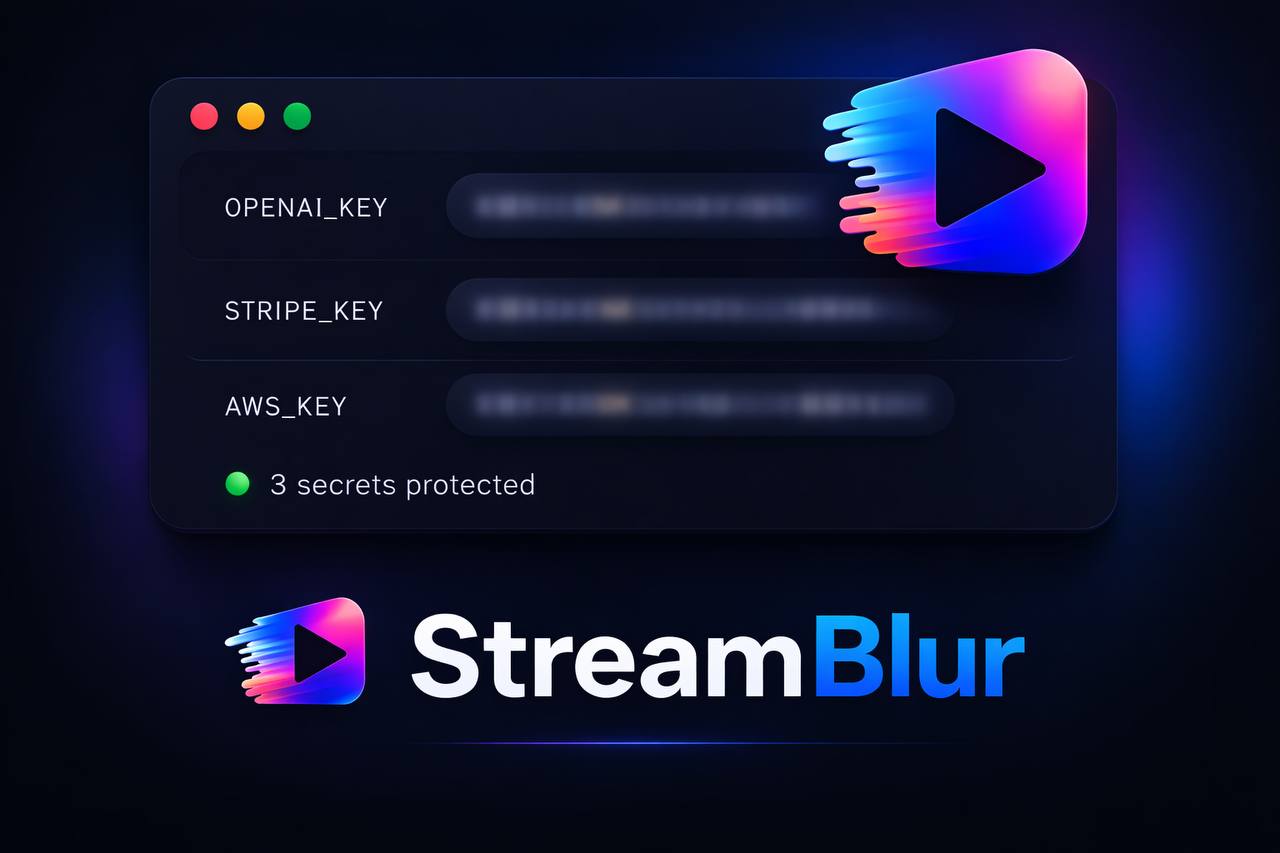
StreamBlur is built around this principle. Once enabled, it monitors the rendered interface continuously, applies masking the moment a sensitive pattern appears, and does so without prompts, confirmations, or visible state changes. The goal is that you never think about it because there is nothing to think about. It either works or it does not. During a live session, that guarantee is what matters.
The best security tool you use is the one you never have to consciously operate.
Stop leaking secrets on your next stream
StreamBlur automatically detects and masks API keys, passwords, and sensitive credentials the moment they appear on screen. No configuration. Works on every tab, every site.
Used by streamers, developers, and SaaS teams. Free tier covers GitHub & terminal. Pro unlocks every site.