
The 100ms Data Breach: Why Your Screen Needs a Firewall
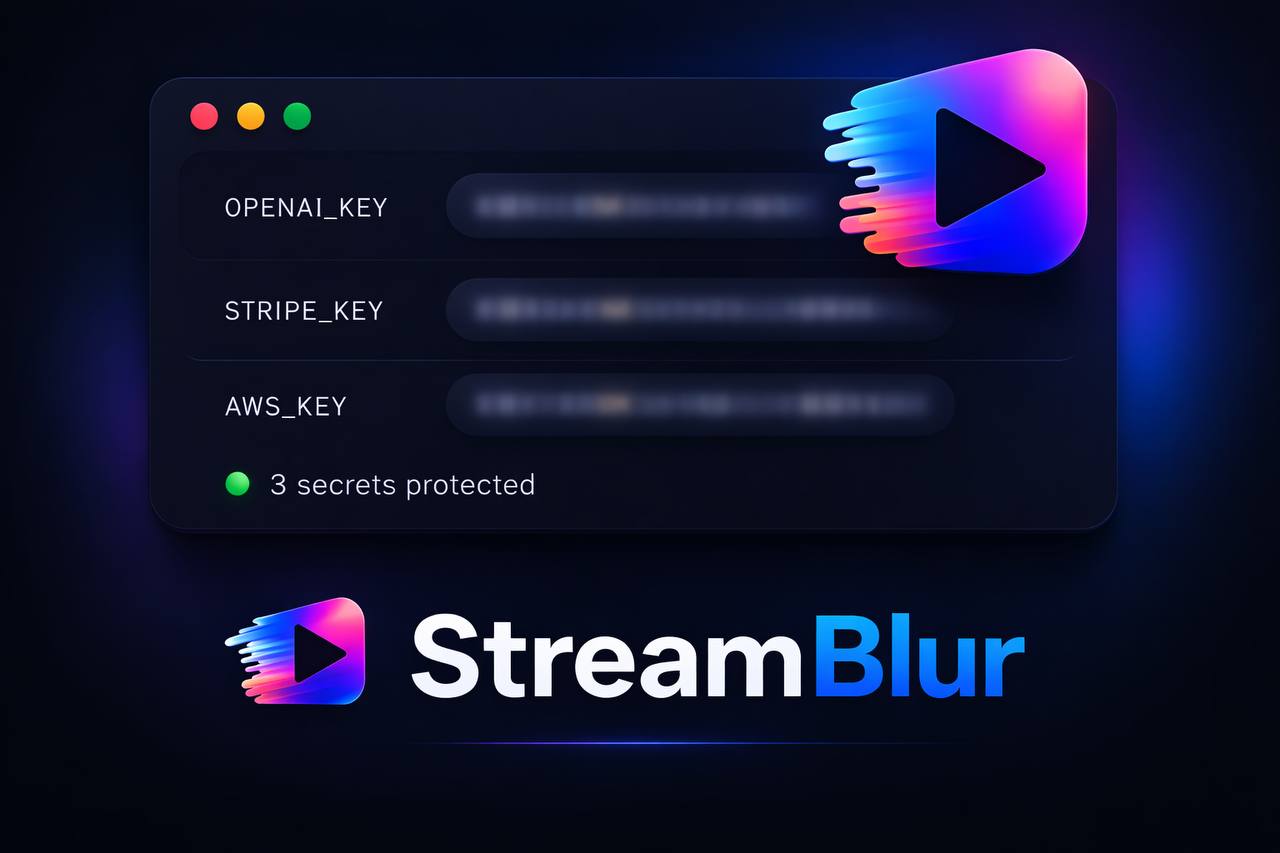
You are forty-five minutes into a deep-dive coding session on Twitch. The chat is buzzing, the code is flowing, and you are in the zone. You switch windows to check a response in your browser, and for exactly three frames . less than 100 milliseconds . your Stripe Secret Key flashes on screen as the dashboard loads.
You did not see it. A script-bot monitoring the platform did. Within seconds, your environment is compromised. This is the human layer of security failure . and it is the one gap that .gitignore files, secrets managers, and pre-commit hooks cannot close.
The Attack Surface Nobody Audits
The security industry has invested decades hardening the file system and the network perimeter. The OWASP Top 10 2025 dedicates entire categories to injection, broken access control, and cryptographic failure. But there is a dimension of exposure that no static analysis tool, no SIEM, and no WAF can see: the rendered pixel.
When a secret leaves your environment variables and becomes visible on a monitor, it crosses a threshold from protected data to raw visual information. At that point, the entire security stack that sits below the presentation layer becomes irrelevant. Your STRIPE_SECRET_KEY is not in a file anymore. It is a pattern of light. And patterns of light can be read by anyone . human or automated . who has a line of sight to your stream.
GitGuardian's research consistently finds that secrets sprawl is accelerating: millions of secrets are committed to public repositories every year, and the majority of exposed credentials are leaked not through sophisticated attacks but through developer workflow . screen sharing, screen recording, live demos, and pair programming sessions. The accidental visual exposure is the last mile of that problem, and it remains almost entirely unaddressed.
The Myth of the Clean Desktop
Most developers who think about streaming security rely on two manual controls. The first is the privacy scene: a static image in OBS that you switch to when handling secrets. The second is post-production editing: blurring or cutting sensitive moments in Premiere Pro or DaVinci Resolve before publishing.
Both controls share a critical failure mode: they require a human to act at exactly the right moment. The privacy scene fails the first time you forget to toggle it. Post-production editing does nothing for live viewers, does nothing for anyone capturing your stream in real time, and does nothing for the automated scrapers that index live content within seconds of broadcast.
Relying on manual redaction is the security equivalent of relying on developers to manually sanitize SQL queries. The industry moved past that. It is time to apply the same logic to visual exposure.
How Automated Screen Scrapers Work
Understanding the threat model clarifies why passive controls fail. Streaming platforms expose low-latency preview thumbnails that update every few seconds. Automated tools can subscribe to these thumbnails, run OCR against every frame, and pattern-match against known credential formats . all without ever watching the stream in real time.
The credential formats are well-documented. sk-proj- prefixes OpenAI keys. sk_live_ prefixes Stripe secret keys. AKIA prefixes AWS access key IDs. GitHub personal access tokens follow ghp_. These are not secrets . they are published specifications. Any OCR pipeline with a regex dictionary can scan a stream thumbnail and flag a credential match in under a second.
The 100ms window referenced in the title is not hypothetical. At 30 frames per second, three frames of exposure represent 100 milliseconds of visibility. That is enough for a thumbnail refresh cycle to capture the frame, enough for an OCR engine to extract the text, and enough for an automated system to initiate an API call with the stolen credential . all before you have even registered that the window appeared.
Presentation-Layer Security: The Missing Control
Defense in depth is a well-established framework. The principle is straightforward: no single control is sufficient, so you layer controls such that the failure of any one does not result in total exposure. Most security stacks for developers look like this:
- Prevention layer: Environment variables, secrets managers (AWS Secrets Manager, HashiCorp Vault, Doppler), and
.gitignorerules keep credentials out of source code. - Detection layer: Pre-commit hooks (git-secrets, detect-secrets), CI/CD secret scanning (GitHub Advanced Security, GitLab Secret Detection, TruffleHog), and SIEM tools catch credentials before they reach a repository or production environment.
- Response layer: Automated credential rotation, alert pipelines, and incident response playbooks limit the blast radius when a credential is compromised.
What is missing from this stack is a presentation layer. None of the controls above operate at the pixel level. The moment a developer opens a terminal, a browser dashboard, or an IDE during a live session, the entire stack below becomes blind to what is visible on screen.
This is the gap that tools like StreamBlur are designed to close. By operating between the operating system's video output and the broadcast pipeline, presentation-layer security intercepts visual data before it reaches any audience . human or automated.
How Real-Time Pixel Filtering Works
StreamBlur applies GPU-accelerated processing to the live video feed, running pattern recognition against the rendered frame in real time. When the engine detects a string that matches a known credential pattern . an OpenAI key, a Stripe key, an AWS access key ID, a GitHub token . it applies a Gaussian blur overlay to that region of the frame before the frame is passed downstream.
The key properties that make this approach effective are:
- Context-awareness: The blur follows the text if the window moves or scrolls. It is not a static mask on a fixed screen region.
- Pattern specificity: The engine matches against the structural patterns of real credentials, not just generic text. This reduces false positives on non-sensitive content.
- Zero latency dependency: Because the blur is applied at the source - before the frame reaches OBS, Zoom, or the broadcast server - there is no window during which an unblurred frame can escape into the stream.
- Local processing: No screen content is transmitted to an external server for analysis. The pattern matching runs on-device.
The Gaussian blur applied is not cosmetic. At a radius of 25 pixels or greater, the underlying text is mathematically irrecoverable from the blurred output using standard image processing techniques. This is not the same as a black rectangle overlay, which can sometimes be reversed if the blending parameters are known. A high-radius Gaussian blur destroys the information.
Setting Up Your Presentation-Layer Control
Implementation follows four steps. Each step addresses a specific failure mode in the manual redaction approach.
Step 1: Route Your Video Through the Filtered Output
To ensure the blur is applied before your broadcast software receives the feed, configure StreamBlur as a virtual camera source rather than a downstream filter.
- Launch StreamBlur and enable the Virtual Camera output.
- In OBS, add a new Video Capture Device source.
- Select "StreamBlur Camera" from the device dropdown.
- Set this source as your primary scene input.
This configuration means that even if OBS experiences a lag spike or a frame drop, the video arriving at the broadcast server is already filtered. The unblurred feed never touches the broadcast pipeline.
Step 2: Enable Pattern Detection for Your Stack
StreamBlur ships with pre-built detectors for the most commonly leaked credential types. Enable the patterns that match your working environment.
- Navigate to the Patterns or Library tab.
- Toggle on detectors for the services you use:
AWS_ACCESS_KEY_ID,STRIPE_SECRET_KEY,OPENAI_API_KEY,GITHUB_TOKEN, and others. - Enable Email Address and IP Address filters if your sessions involve network configuration, live sign-ups, or user data.
Step 3: Define Custom Rules for Internal Credentials
Generic credential patterns cover public APIs. Internal systems . corporate tokens, proprietary service IDs, internal database connection strings . require custom rules.
- Click Add Custom Rule in the Patterns panel.
- Enter your regex pattern. For example,
/[A-Z]{4}-\d{5}/gmatches a corporate ID format of four uppercase letters followed by five digits. - Set blur intensity to Gaussian at a minimum radius of 25px.
- Test the rule against a known example before going live.
Custom rules extend the detection coverage to the specific credential formats your organization uses, rather than relying solely on patterns that match public API key formats.
Step 4: Run a Live Fire Test Before Every Session
A control that has not been tested is not a control. Before any session where you will share your screen, run a verification pass.
- Generate a test credential that matches your active patterns. For Stripe, use the
sk_test_51...format. For OpenAI, use a string starting withsk-proj-. - Open a text editor or terminal and type the test credential in plain view.
- Check your OBS preview window. The blur overlay should appear immediately, with no perceptible delay.
- Move the window across the screen. Verify that the blur follows the text without ghosting or positional drift.
- Scroll within the window. Verify that the blur repositions correctly as the text moves within the frame.
This test takes under two minutes. It validates both the detection pipeline and the rendering pipeline before any live audience is involved.
The Broader Principle: Securing the Presentation Layer
The shift from reactive to proactive security at the presentation layer mirrors a transition the industry already made at the code layer. A decade ago, developers were expected to manually review every database query for injection vulnerabilities. Parameterized queries and ORMs automated that check, removing the dependency on human attention at precisely the right moment.
Presentation-layer security applies the same logic to visual output. Instead of relying on a developer to remember to toggle a privacy scene before switching windows, the control is automated at the frame level. The human is no longer the last line of defense at the moment of highest cognitive load . mid-session, mid-thought, in the middle of demonstrating something live.
For DevRel engineers, developer advocates, educators, and technical content creators, this matters beyond personal credential hygiene. A leaked key in a live demo reflects on the organization. A leaked credential in a recorded tutorial that gets 50,000 views becomes a recurring exposure for as long as the video remains indexed. The blast radius of a single 100ms visibility window is not bounded by the duration of the session.
Closing the Loop: A Complete Security Stack for Developers Who Share Their Screens
A complete stack for developers who work in public or semi-public environments looks like this:
- Environment isolation: Use
.envfiles, a secrets manager, or a tool like Doppler to keep credentials out of source code entirely. - Pre-commit scanning: Run detect-secrets or git-secrets as a pre-commit hook to catch accidental hardcoding before it reaches your repository.
- CI/CD secret scanning: Enable native secret scanning in GitHub or GitLab, or integrate TruffleHog into your pipeline, to catch anything that slips past the pre-commit hook.
- Presentation-layer filtering: Run StreamBlur during any session where your screen will be visible to others - live streams, recorded tutorials, Zoom calls, Discord screen shares, or pair programming sessions.
- Credential rotation policy: Treat any credential that has been exposed - even briefly, even to a trusted audience - as compromised. Rotate it immediately. Most major API providers support automated rotation.
Each layer addresses a different phase of the credential lifecycle. None of them is sufficient on its own. Together, they close the loop from creation to display.
The 100ms exposure is not a theoretical edge case. It is a routine event in the workflow of anyone who codes live. The question is not whether it will happen . it is whether there is a control in place to intercept it before it matters. StreamBlur is that control.
Stop leaking secrets on your next stream
StreamBlur automatically detects and masks API keys, passwords, and sensitive credentials the moment they appear on screen. No configuration. Works on every tab, every site.
Used by streamers, developers, and SaaS teams. Free tier covers GitHub & terminal. Pro unlocks every site.