
How Real-Time Blur Works in the Browser: DOM Rendering and Credential Masking
A technical overview of detection logic, DOM integration, and real-time visibility enforcement.
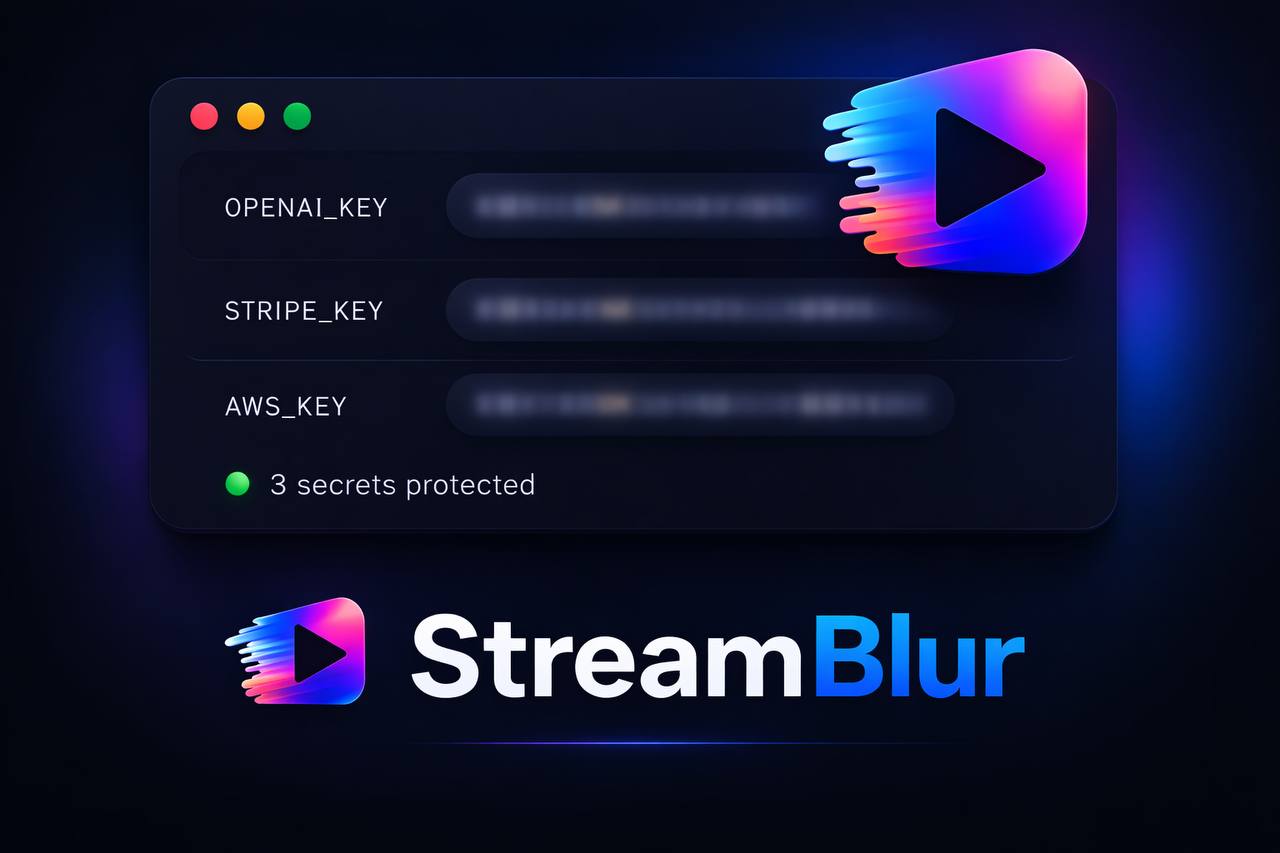
When an API key appears in a terminal or dashboard during a live stream, there is a small window between when it renders on screen and when viewers see it. If you are relying on your own reaction speed to close that window, you are already too late.
Browser-level credential masking works differently. It intercepts the rendered output before the frame is visible, applies a CSS blur to the matching region, and does so without modifying the data underneath. This article breaks down exactly how that works technically.
The Problem with Overlay and Interception Approaches
Two common approaches to on-screen privacy fail in live workflows.
The first is data interception -- modifying values before they reach the DOM. This requires access to the application's data layer, which is impractical for third-party tooling that needs to work across any website or dashboard.
The second is full-screen overlay -- a black rectangle over a region. This blocks content indiscriminately, interferes with workflow, and requires manual positioning that rarely survives dynamic re-renders.
Presentation-layer masking at the DOM level avoids both problems. It targets specific text nodes that match sensitive patterns, applies blur styling only to those nodes, and re-evaluates continuously as the interface changes.
How DOM Mutation Observers Enable Real-Time Detection
The MutationObserver API is the foundation of real-time browser-level credential detection. It fires a callback whenever the DOM changes -- nodes added, removed, or modified -- without requiring polling or blocking the main thread.
// Core detection loop using MutationObserver
const sensitivePatterns = [
  { name: "OpenAI",  regex: /sk-[a-zA-Z0-9]{20,}/ },
  { name: "Stripe",  regex: /sk_live_[a-zA-Z0-9]{20,}/ },
  { name: "AWS",     regex: /AKIA[0-9A-Z]{16}/ },
  { name: "GitHub",  regex: /ghp_[a-zA-Z0-9]{36}/ },
  { name: "Generic", regex: /[A-Za-z0-9_\-]{32,}/ },
];

function scanNode(node) {
  if (node.nodeType !== Node.TEXT_NODE) return;
  const text = node.textContent;
  for (const { name, regex } of sensitivePatterns) {
    if (regex.test(text)) {
      applyBlur(node.parentElement, name);
      break;
    }
  }
}

const observer = new MutationObserver((mutations) => {
  for (const mutation of mutations) {
    for (const node of mutation.addedNodes) {
      scanNode(node);
      // Also scan child text nodes of added elements
      if (node.nodeType === Node.ELEMENT_NODE) {
        node.querySelectorAll("*").forEach(el => {
          el.childNodes.forEach(scanNode);
        });
      }
    }
  }
});

observer.observe(document.body, {
  childList: true,
  subtree: true,
  characterData: true,
});
This loop runs on every DOM update. Because MutationObserver is asynchronous and batched by the browser, it does not block rendering or degrade page performance for typical interface updates.
Applying Blur Without Breaking Layout
The blur application step is where naive implementations break. If you apply filter: blur() to a container element, it can shift sibling elements and disrupt the layout. The right approach is to wrap the sensitive text node in a minimal inline element and apply blur only to that wrapper:
function applyBlur(element, matchName) {
  // Avoid double-wrapping
  if (element.dataset.sbMasked) return;

  const wrapper = document.createElement("span");
  wrapper.style.cssText = `
    filter: blur(6px);
    user-select: none;
    pointer-events: none;
    display: inline;
  `;
  wrapper.dataset.sbMasked = matchName;
  wrapper.title = `[${matchName} credential masked by StreamBlur]`;

  // Replace node in place to preserve layout
  element.parentNode.insertBefore(wrapper, element);
  wrapper.appendChild(element);
}
This preserves the surrounding layout structure. Adjacent elements do not shift. The interface remains stable. Only the credential value is visually obscured.
Handling Dynamic Re-Renders
Modern single-page applications re-render components frequently. A React component that unmounts and remounts will replace DOM nodes entirely, which can strip applied blur from nodes that were previously masked.
The solution is to track masked regions by content identity rather than DOM node identity, and re-apply on every relevant mutation:
// Re-scan on any subtree mutation, not just new nodes
observer.observe(document.body, {
  childList: true,
  subtree: true,
  characterData: true,  // catch text updates too
  characterDataOldValue: false,
});
Combined with the double-wrap guard (dataset.sbMasked), this ensures blur persists through re-renders without creating duplicate wrappers or cascading blur effects.
Performance Boundaries
A continuous DOM observer running on every page mutation has theoretical performance risk on pages with very high mutation frequency, such as real-time data dashboards updating dozens of times per second. In practice, the evaluation cost is low because:
- Pattern matching on text nodes is fast (microseconds per node)
- Most mutations do not contain text nodes matching sensitive patterns
- The observer fires asynchronously, batched by the browser event loop
- Scope can be narrowed to specific container elements on known high-frequency pages
The result is a real-time masking layer that runs continuously without the developer noticing it is there -- which is exactly the point. The best security tooling operates invisibly, handling its job in the background while you stay focused on the work. StreamBlur is built on this architecture.
Stop leaking secrets on your next stream
StreamBlur automatically detects and masks API keys, passwords, and sensitive credentials the moment they appear on screen. No configuration. Works on every tab, every site.
Used by streamers, developers, and SaaS teams. Free tier covers GitHub & terminal. Pro unlocks every site.